A Deep Dive Into the Future of Digital Experiences
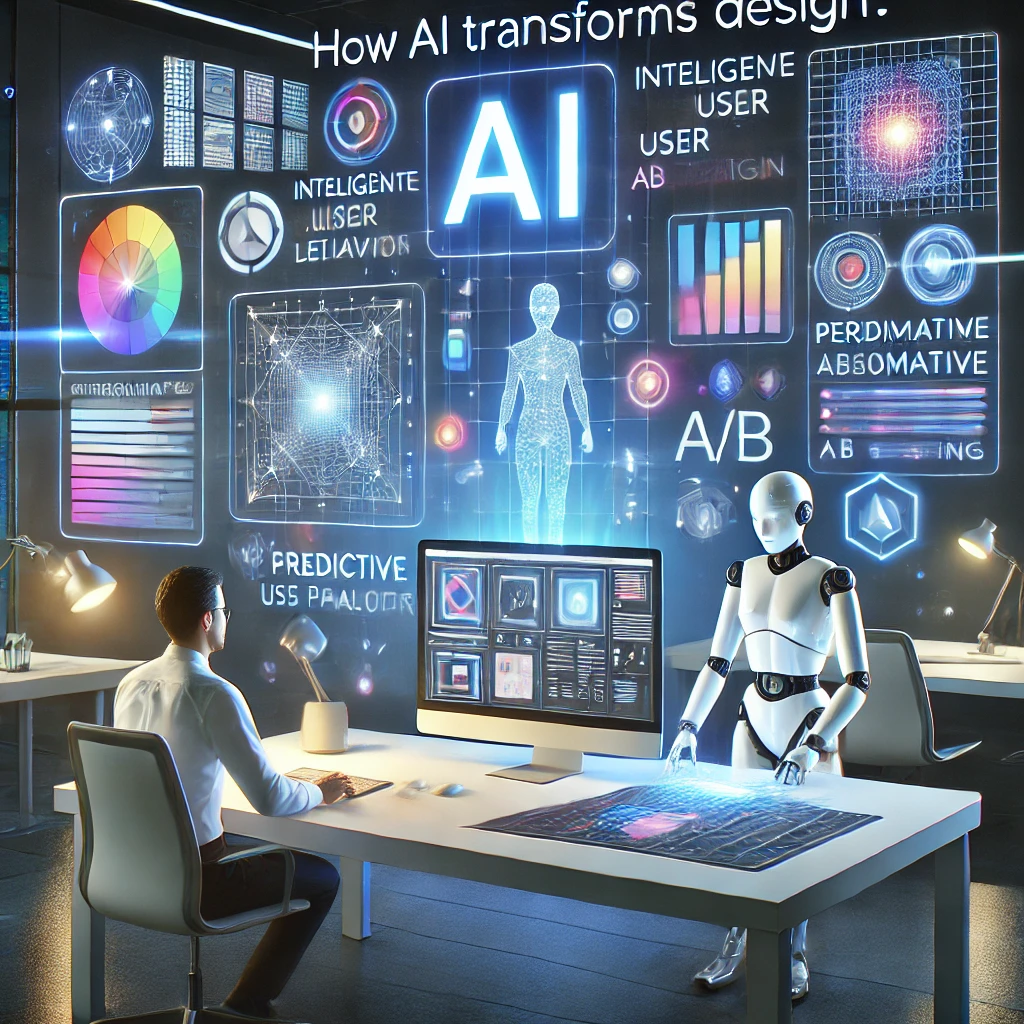
In the rapidly evolving digital landscape of the 21st century, UI/UX design has emerged as a critical determinant of our interaction and experience with technology. As we navigate this digital frontier, Artificial Intelligence (AI) is not just a buzzword but a transformational force reshaping industries, including the realm of design.
If you are a designer, developer, marketer, or a business owner, there’s a tool that’s becoming a must-have in your arsenal to enhance the UI UX design of your digital products. It’s AI (Artificial Intelligence).
AI is the future. It’s not just a trend, but a game-changer, the catalyst that is enhancing our creativity, accelerating workflows, and elevating user satisfaction to new heights. In this blog, we’ll take you on a journey through the impact of AI on UI UX design, explore how it’s transforming the design landscape, and give you a sneak peek into what the future of AI-powered design holds.
What Is AI in UI UX Design?
AI in UI UX design means using smart programs, automation tools, and data-driven systems to design better. It uses machine learning, natural language processing, predictive analytics, and automation to understand users and create more intuitive digital products.
Traditional design methods depend on human intuition and manual processes. AI adds efficiency and precision. It enables smarter decisions based on data, not just assumptions.
How AI Affects UI UX Design: Key Transformations
Artificial Intelligence is influencing almost every stage of the design process. Here are the most important ways AI affects UI UX design today:
1.AI Enables Hyper-Personalized User Experiences
One of the most significant changes AI has brought to UI UX design is personalization. Users today expect customized content, relevant recommendations, and frictionless experiences. AI allows it by analyzing:
User behavior
Preferences
Interaction patterns
Browsing history
Purchase history
For instance, video streaming services like Netflix or e-commerce sites like Amazon employ AI to deliver a personalized UI and recommendations to each user individually.
2.Faster Design Workflows Through Automation
AI accelerates design with automation for:
Layout suggestions
Image resizing
Design component generation
UX copywriting
Wireframe preparation
Figma, Adobe Firefly, Uizard and more use AI for auto-generating design mockups from simple text prompts. Free your designers to focus on what they do best
3.Predictive User Behavior and Data-Driven Decisions
Another major benefit of AI in UI UX design is its ability to predict user behavior. Using machine learning models, AI can foresee:
What users will click next
Where they might drop off
Interaction patterns
Which content they prefer
How long they will engage with a feature
Making these predictions will help designers streamline the user journey and design interfaces that will make users feel they are using an intuitive and seamless platform.
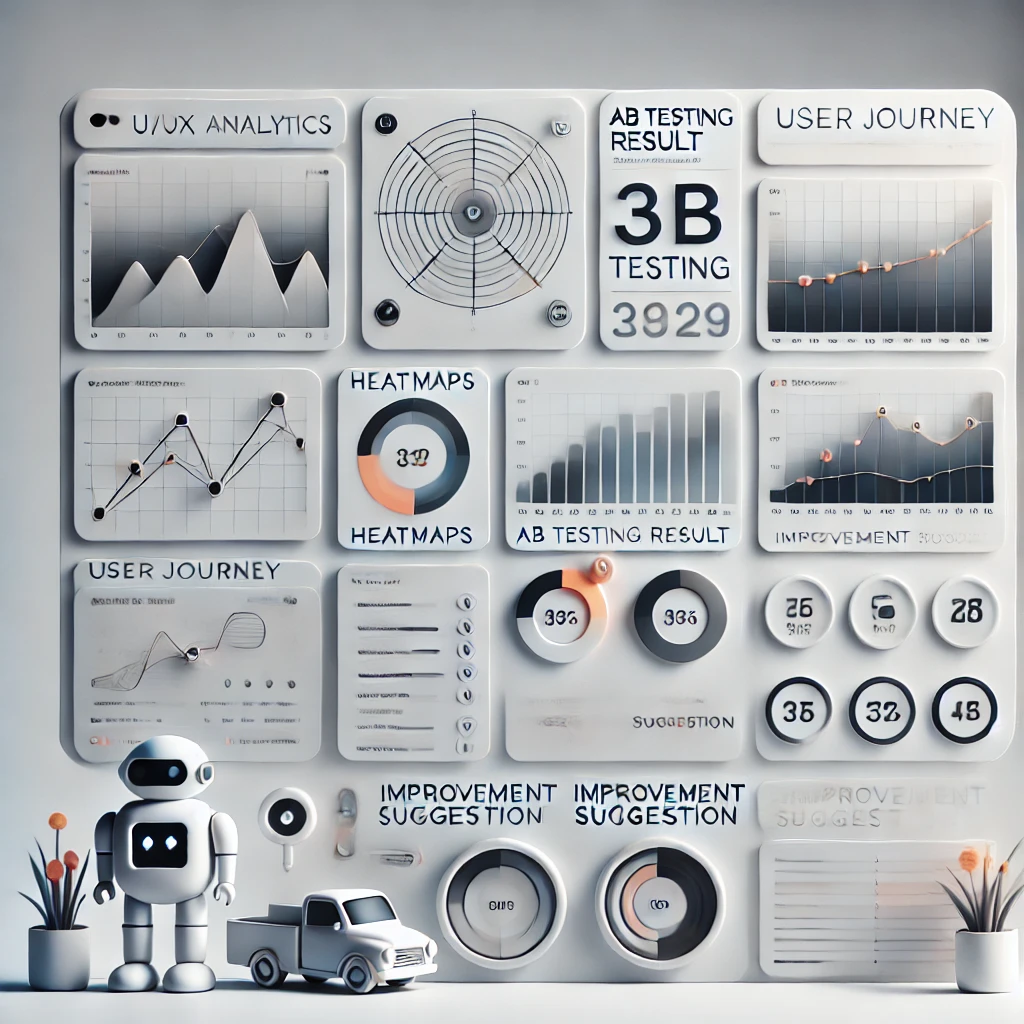
For instance, AIs can be employed to create heatmaps to map out the places users spend most of their time on a web page. The UX/UI designer can then rearrange web elements in places with a high dwell time for better engagement and usability.
4.Improved Accessibility and Inclusive Designs
Accessibility is a huge part of UI/UX design, and AI is making it easier to create inclusive digital experiences. AI tools can:
Generate alt text for images
Provide real-time voice-to-text conversions
Identify color contrast issues
Analyze content for readabilityCustomize interfaces for users with disabilities
Customize interfaces for users with disabilities
With these capabilities, designers can build products that meet global accessibility standards and serve a wider audience.
5.Smarter User Testing and Research
Traditional user testing is time-consuming and costly. AI transforms this process by making user research faster and more accurate. AI tools can:
Analyze user testing videos
Identify emotional reactions
Detect usability issues
Which con- Generate user feedback summariestent they prefer
Simulate user behavior
This enables designers to iterate more quickly and create better user experiences with fewer errors.
6.AI Helps Generate Content and Microcopy
Microcopy—such as button labels, tooltips, and error messages—plays a major role in user experience. AI can now generate microcopy automatically based on context and user intent.
Instead of writing dozens of variations manually, designers can use AI tools to
Produce on-brand text
Suggest user-friendly messages
Rewrite for clarity or tone
Translate text automatically
This not only speeds up the design process but also ensures a consistent voice across the product.
AI Tools Revolutionizing UI UX Design
Here are some popular AI tools changing the UI/UX landscape:
Figma AI
Used for generating design layouts, components, and wireframes instantly using natural language prompts.
Adobe Sensei + Firefly
Helps with image generation, asset creation, and creative enhancements.
Uizard
Transforms hand-drawn sketches into digital mockups.
Midjourney / DALL-E
Generates high-quality UI design inspiration and visual assets.
ChatGPT
UX writing, research synthesis, user interview scripting and microcopy generation.
Analytics & CI tools
Product analytics and experiment platforms that integrate AI-driven insights for continuous improvement.
Automated tasks reduce labor costs and speed up development cycles.
Challenges of AI in UI UX Design
Despite its benefits, AI also presents unique challenges:
1. Dependency on Data
AI models rely heavily on user data. Poor-quality data leads to inaccurate recommendations.
2. Lack of Human Emotion
AI cannot fully replicate human emotions, intuition, or cultural nuances.
3. Risk of Over-Automation
Too much automation can result in generic or uninspired design outcomes.
4. Ethical Concerns
Privacy, bias, and data protection remain major concerns when using AI in design.
5. The Designer’s Role Is Changing
Rather than creating everything manually, designers now need to collaborate with AI—shifting their roles toward strategy and direction.
Will AI Replace UI/UX Designers?
No, But it will reshape the role of designers.AI is a powerful tool, not a replacement for human creativity. While AI can automate tasks and offer design suggestions, it cannot fully understand emotions, brand identity, or the complexities of human behavior.
Instead of eliminating UI/UX designers, AI empowers them by:
Enhancing creativity
Providing user insights
Reducing workloads
Accelerating workflows
Designers who embrace AI will become more valuable—not less.
The Future of AI in UI UX Design
Looking ahead, AI will continue to evolve and integrate more deeply into design workflows. Here are future trends to expect:
1. Fully Adaptive Interfaces
Interfaces that automatically adjust based on user context, preferences, location, and emotional state.
2. AI Co-Designers
AI will act as a creative partner, not just a tool—generating ideas, layouts, and prototypes collaboratively with designers.
3. Voice and Gesture-Based Interfaces
AI will act as a creative partner, not just a tool—generating ideas, layouts, and prototypes collaboratively with designers.
4. Continuous User Feedback Loops
AI will collect and analyze user feedback in real time, making interfaces smarter and more personalized.
5. Ethical and Responsible AI Design
There will be a stronger focus on data privacy, transparency, and unbiased design.
At Digital iCreatives, we breathe life into bold ideas, blending heart with innovation, and design with meaning.